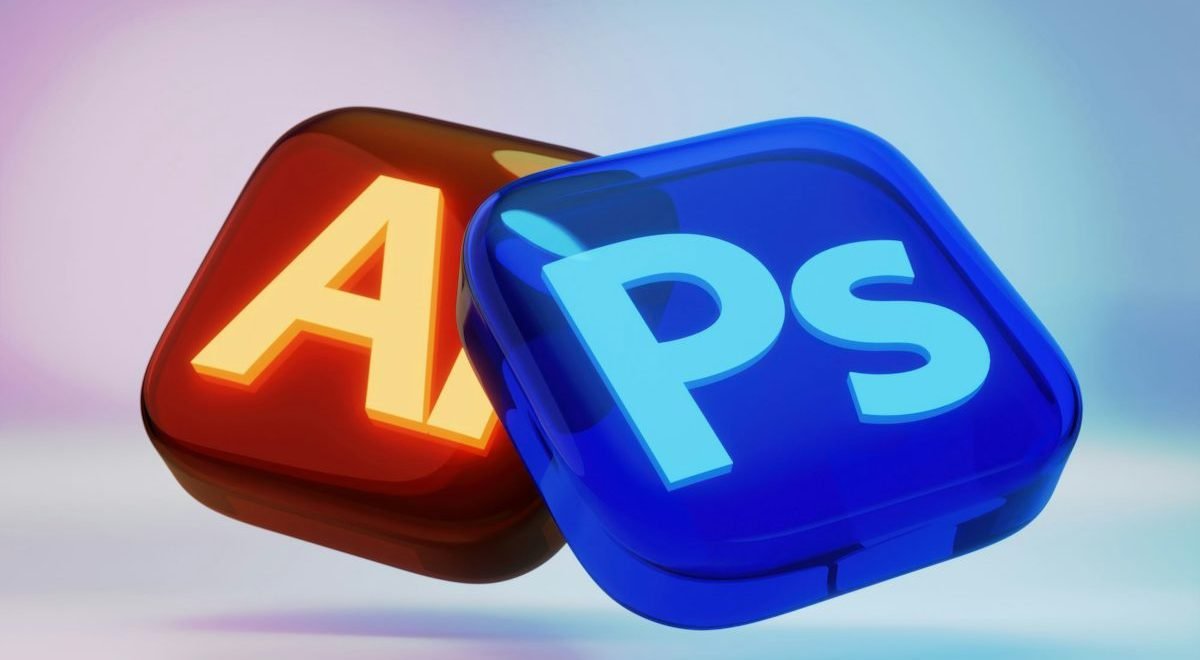
Adobe Photoshop Dominated for Decades. That Era Is Starting to Change.
For years, Adobe Photoshop was considered the gold standard of image editing. If you wanted to remove backgrounds, retouch photos, create graphics, or manipulate images professionally, Photoshop was often the only serious option.
There was just one problem.
It wasn’t cheap.
Between subscription costs, a steep learning curve, and complex tools that intimidated beginners, many people found themselves paying for features they barely used.
Now, artificial intelligence is rewriting the rules.
A new generation of AI-powered image editors can perform tasks that once required years of Photoshop experience. Background removal takes seconds. Object replacement happens with a single click. Image enhancement feels almost effortless.
The most surprising part?
Many of these tools are completely free.
If you’re a content creator, freelancer, blogger, marketer, small business owner, or simply someone who edits images occasionally, these AI-powered alternatives may eliminate the need for Photoshop altogether.
Let’s explore the best options available today.
Quick Comparison Table
| Tool | Best For | Free Plan | AI Features |
|---|---|---|---|
| Canva AI | Content Creators | Yes | Magic Design, AI Editing |
| Photopea | Photoshop Alternative | Yes | Advanced Editing |
| Pixlr | Quick Editing | Yes | AI Background Removal |
| Leonardo AI | Image Creation | Yes | AI Art Generation |
| Microsoft Designer | Marketing Graphics | Yes | AI Design Tools |
| Fotor | Photo Enhancement | Yes | AI Retouching |
| Remove.bg | Background Removal | Yes | One-Click AI Removal |
1. Canva AI
Why Millions of Users Are Switching
Canva has evolved far beyond a simple design platform.
Today, its AI-powered features make image editing dramatically easier than traditional software.
Instead of navigating dozens of menus and layers, users can often accomplish tasks with simple prompts.
Standout Features
- Magic Eraser
- Background Remover
- AI Image Generation
- Magic Edit
- Design Suggestions
- Automatic Layout Creation
Best Use Cases
Canva excels for:
- Social media graphics
- Blog images
- Presentations
- Marketing materials
- YouTube thumbnails
Where It Beats Photoshop
Beginners can become productive almost immediately.
Photoshop often requires weeks or months of practice.
Canva can be learned in hours.
2. Photopea
The Closest Thing to Photoshop
If you’re looking for a genuine Photoshop replacement, Photopea deserves serious attention.
Its interface looks remarkably familiar to Photoshop users.
In many cases, files can even be edited without conversion.
Supported Formats
- PSD
- JPG
- PNG
- SVG
- XD
Powerful Features
- Layers
- Masks
- Smart Objects
- Filters
- Retouching Tools
Why Professionals Like It
Photopea runs directly inside a browser.
No installation required.
No expensive subscription required.
For many users, that alone is enough reason to switch.
3. Pixlr
Fast Editing Powered by AI
Pixlr focuses on speed.
The platform eliminates much of the complexity traditionally associated with image editing.
AI Features
Background Removal
One click.
Done.
Object Removal
Remove unwanted elements quickly.
AI Image Expansion
Extend image borders intelligently.
AI Generative Fill
Add new content using simple prompts.
Best For
- Bloggers
- Small businesses
- Social media managers
- Ecommerce sellers
When efficiency matters, Pixlr shines.
4. Leonardo AI
More Than a Photo Editor
Leonardo AI isn’t trying to replicate Photoshop.
It’s aiming for something bigger.
Instead of editing existing images, it helps users generate entirely new visuals from scratch.
Popular Uses
- Concept art
- Marketing graphics
- Book covers
- Social media content
- Product mockups
Why Creators Love It
Traditional design often begins with a blank canvas.
Leonardo starts with ideas.
Describe what you want.
The AI handles much of the heavy lifting.
Example Prompt
“A futuristic city skyline at sunset, cinematic lighting, ultra-detailed.”
Within moments, multiple image options appear.
That level of creative speed would have seemed impossible not long ago.
5. Microsoft Designer
Microsoft’s AI Design Weapon
Microsoft Designer has quietly become one of the most useful AI design platforms available.
Built around generative AI, it simplifies graphic creation for everyday users.
Key Features
- AI-generated graphics
- Social media templates
- Marketing designs
- Text-to-image generation
- Automatic layouts
Why It’s Worth Trying
Many users already trust Microsoft’s ecosystem.
Designer extends that familiarity into visual content creation.
For entrepreneurs and marketers, it removes many traditional design bottlenecks.
6. Fotor
AI-Powered Photo Enhancement Made Easy
Photo enhancement used to require detailed knowledge of editing techniques.
Fotor changes that.
AI Capabilities
- Portrait enhancement
- Image sharpening
- Noise reduction
- Skin retouching
- Color correction
Best Users
- Photographers
- Influencers
- Ecommerce sellers
- Bloggers
Biggest Advantage
Results appear quickly.
Many edits that previously required manual adjustments now happen automatically.
7. Remove.bg
The Tool That Does One Thing Exceptionally Well
Photoshop users know background removal can be tedious.
Remove.bg turns it into a nearly instant process.
What It Does
Upload an image.
Wait a few seconds.
Receive a clean cutout.
That’s it.
Common Uses
- Ecommerce product photos
- Professional headshots
- Marketing graphics
- Social media content
Why It Matters
Sometimes specialized tools outperform all-in-one software.
Remove.bg is a perfect example.
Which AI Tool Is Best for You?
Choosing the right platform depends on your goals.
For Bloggers
Best choice:
Canva AI
For Professional Editing
Best choice:
Photopea
For Fast Workflows
Best choice:
Pixlr
For AI Art Generation
Best choice:
Leonardo AI
For Marketing Graphics
Best choice:
Microsoft Designer
For Photo Enhancement
Best choice:
Fotor
For Background Removal
Best choice:
Remove.bg
Can AI Really Replace Photoshop?
The answer depends on your needs.
For Most Users
Yes.
Absolutely.
Many people use less than 20% of Photoshop’s capabilities.
For them, modern AI tools provide everything necessary.
For Advanced Professionals
Not always.
Highly specialized designers may still require Photoshop’s advanced controls.
Examples include:
- High-end photo manipulation
- Professional publishing
- Advanced compositing
- Complex graphic design projects
Even then, AI tools often complement professional workflows.
The Hidden Advantage of AI-Powered Editing
Most discussions focus on features.
The real advantage is speed.
Traditional Editing Workflow
- Learn software
- Understand layers
- Master masking
- Practice techniques
AI Workflow
- Upload image
- Enter prompt
- Review results
The difference is dramatic.
AI reduces technical barriers and allows creators to focus on creativity rather than software complexity.
Common Mistakes When Choosing a Photoshop Alternative
Picking the Most Popular Tool
Popularity doesn’t guarantee suitability.
Choose based on your needs.
Ignoring Workflow
The fastest tool often beats the most powerful one.
Expecting Perfect Results
AI is impressive.
It isn’t magic.
Human review remains important.
Using Too Many Platforms
Master one or two tools first.
Efficiency comes from familiarity.
The Future of Image Editing
Image editing is evolving faster than almost anyone predicted.
AI now handles tasks that once required years of training.
Background removal.
Object replacement.
Image enhancement.
Graphic creation.
All of these capabilities continue improving every month.
The result isn’t merely a cheaper alternative to Photoshop.
It’s an entirely different approach to creativity.
Users spend less time learning software and more time producing content.
That’s a shift worth paying attention to.
Final Thoughts
Adobe Photoshop remains a powerful tool, but it is no longer the only serious option. AI-powered platforms have dramatically lowered the barrier to professional-quality image editing, making advanced creative work accessible to virtually anyone.
Whether you’re a blogger, freelancer, marketer, entrepreneur, or content creator, tools like Canva AI, Photopea, Pixlr, Leonardo AI, Microsoft Designer, Fotor, and Remove.bg offer impressive capabilities without the steep costs or learning curve traditionally associated with Photoshop.
For many users, these platforms won’t just supplement Photoshop.
They’ll replace it entirely.
Meta Title: 7 Free AI Tools That Replace Photoshop
Meta Description: Discover 7 free AI tools that can replace Adobe Photoshop. Compare features, benefits, and the best AI photo editing alternatives available today.
No Responses